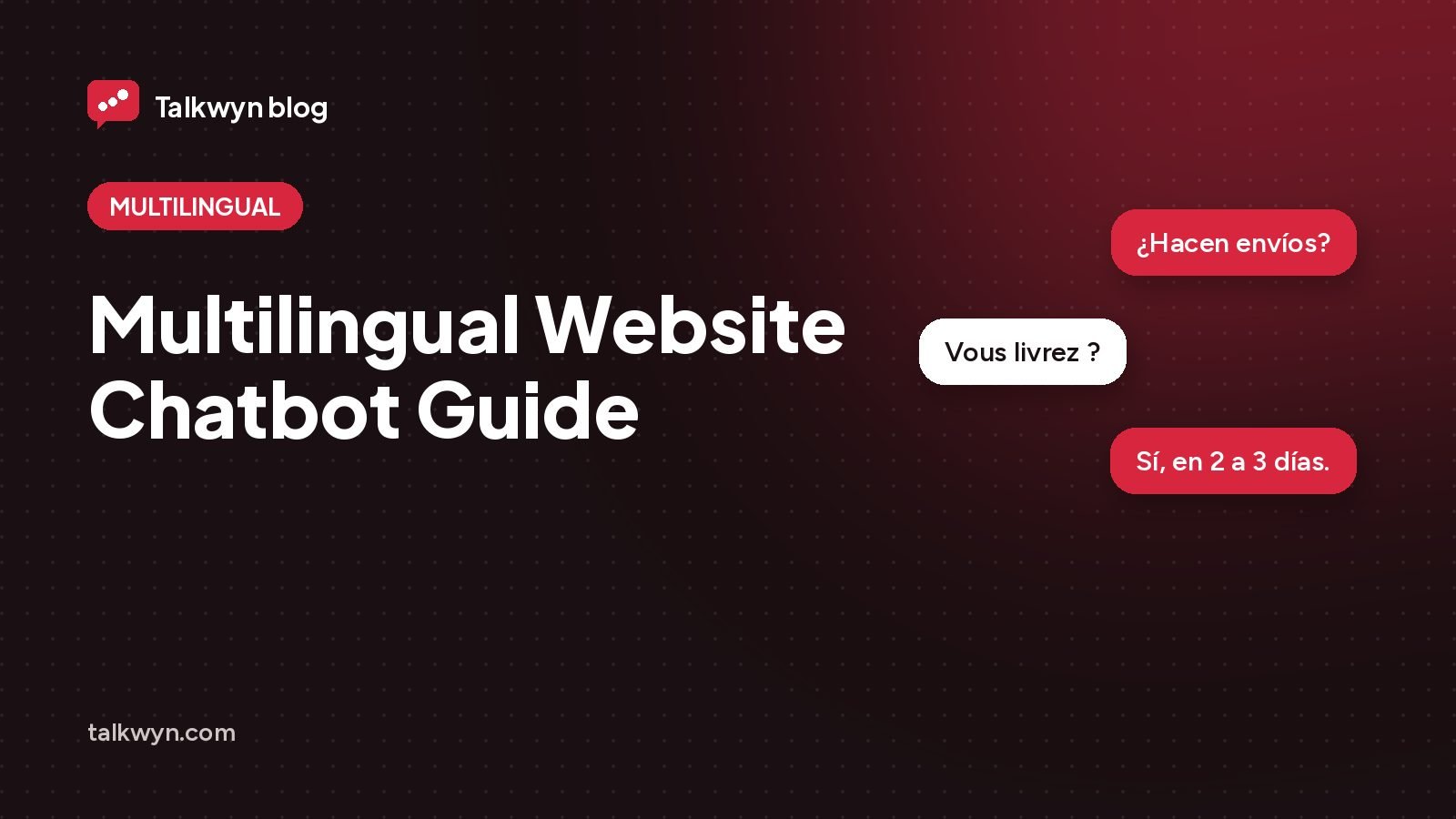
A multilingual website chatbot lets you help visitors in their own language even if your site is written in only one. You write your pages once, and the chatbot reads them and answers each question in the language the visitor used. This guide explains how that works, what to prepare, and where a full translation still makes sense.
The problem with translating every page
Translating a whole website is a big job. Every service page, product description, policy, and blog post needs a version in each language. Then every change you make later needs to be made again in every version. For a small team, that often means the translated pages fall behind, and visitors end up reading old prices or old policies.
Many visitors do not need a full translated site anyway. They need one or two answers: Do you ship to my country? How much is this? Are you open on Saturday? If they can ask in their own language and get a clear reply, they can keep going.
That is the gap a multilingual chatbot fills. It does not replace good translation for your most important pages. It covers the long tail of questions in languages you could never afford to translate for.
How a multilingual website chatbot works
Here is what happens when a visitor writes to a multilingual website chatbot like Talkwyn:
- The visitor types a question in their own language.
- The chatbot detects the language of that message.
- It searches your published content for the answer, even though your pages are in a different language.
- It writes the reply in the same language the visitor used, with links to the pages it used as sources.
- If the visitor switches language halfway through the chat, the chatbot switches with them.
Some details stay exactly as they are. Names, prices, email addresses, and product names are not translated, so a visitor sees the same product name they will see on the checkout page. Messages that mix two languages in one sentence are handled too, which is common for people who speak more than one language at home. For right to left languages, work through the Arabic chatbot checklist.
- 1A visitor asks in Spanish
- 2The chatbot searches your English pages
- 3It replies in Spanish, with a link to the English page
Talkwyn focuses on 12 popular languages: English, Spanish, French, German, Portuguese, Italian, Arabic, Hindi, Chinese, Japanese, Korean, and Turkish. More languages work too, depending on the AI model you choose. You can see how it handles each one on the multilingual chatbot page.
What to prepare on your site first
The chatbot can only answer from what you published. Good source pages matter more than the number of languages. Before you turn it on, check these:
- Shipping and service areas. Visitors from other countries ask about delivery first. Say clearly where you ship or serve, and where you do not.
- Prices and currencies. State which currency your prices are in. The chatbot keeps prices as written, so make sure they are correct and current.
- Contact options. List your email, phone, and hours, including your time zone.
- Policies in plain sentences. Returns, refunds, cancellations, and booking rules are easier to answer when they are written as short, clear sentences.
- One answer per question. If two pages disagree, fix that first. A chatbot that finds two answers cannot know which one is right.
Our guide on how to write pages your chatbot can answer goes deeper into page structure. The same advice helps in every language.
Which languages to focus on
You do not need to pick languages in advance. The chatbot replies in whatever language a visitor writes in. Still, it helps to know which languages your visitors use so you can test those first.
- Check your analytics for visitor countries and browser languages.
- Look at the emails and messages you already get. Which languages show up?
- Ask your team which languages customers use on the phone or in the shop.
- Think about where you want to grow, not only where you are today.
Then test each of those languages yourself, or ask a native speaker you trust to try it. Each language has its own page with examples, for instance the Spanish chatbot, French chatbot, and Arabic chatbot pages.
How to test a language you do not speak
You can still check the basics without being fluent. Write your test questions in English first, then ask a native speaker, a customer you know well, or a staff member to type them in their language the way they would naturally say them. Ask them three things about each reply: Does it sound natural? Is the answer the same as on your page? Are names and prices unchanged? Keep notes, fix any page that caused a weak answer, and test again.
When you still need translated pages
A chatbot is not a full replacement for translation. There are cases where translated pages are still the right call:
- Search visibility. If you want to rank in search for queries in another language, you need real pages in that language.
- Legal and checkout text. Terms, contracts, and payment steps are often better as carefully translated pages, reviewed by a person.
- Your main market. If most of your customers speak a second language, give them a full experience in it.
There is also a middle path. Some sites translate only the homepage and the contact page, so visitors from other countries feel welcome right away, and then rely on the chatbot for detailed questions. That keeps the translation work small while still giving people a clear first impression in their language.
A practical approach for many small businesses: translate the few pages that matter most, and let the chatbot cover everything else. If you do run a translated site with WPML or Polylang, Talkwyn’s interface text, such as the welcome message and button labels, can be translated with those plugins too.
Set it up on WordPress
Talkwyn is live today as a WordPress chatbot plugin. Setup takes about five minutes:
- Download Talkwyn free, then in WordPress go to Plugins, Add New, Upload Plugin and choose the ZIP.
- Paste a free AI key from a provider like Groq or Google Gemini.
- Click “Scan my site” so it reads your published pages, posts, and products.
- Pick your color, avatar, and welcome message.
- Turn it on, then ask it a question in each language you care about.
The getting started guide covers each step with screenshots. Multilingual answers are part of the free plan, so you can try it without paying anything. Plans are listed on the pricing page if you later want paid AI models or analytics.
Multilingual website chatbot FAQ
Do I need to translate my website for a multilingual chatbot?
No. The chatbot reads your pages in the language you wrote them in and replies in the visitor’s language. You may still want translated pages for search or legal text.
Which languages does Talkwyn support?
Talkwyn focuses on 12 popular languages, including Spanish, French, German, Arabic, Hindi, Chinese, and Japanese. More languages work too, depending on the AI model you choose.
What if a visitor switches language during the chat?
The chatbot detects the language of each message and switches with the visitor. Mixed messages that change language mid-sentence are handled as well.
Will it translate my prices and product names?
No. Names, prices, emails, and product names stay exactly as written on your site, so visitors see the same details at checkout.
How good are the answers in less common languages?
That depends on the AI model you choose. Test your key languages with real questions before launch, and consider a paid model if quality matters a lot.
How long does setup take?
About five minutes. Install Talkwyn, paste a free AI key, click Scan my site, pick your color, avatar and welcome message, and turn it on. The setup guide walks through each step.
How does the free trial work?
You get every Pro feature for 15 days on one site. No credit card needed. When the trial ends, upgrade with the same key or keep the free plan. Start the trial.
What happens when the answer is not on my site?
Talkwyn says it could not find that and offers to have your team follow up. It answers business questions only from your own content, so it never invents a price or a policy.
Where are chats and leads stored?
In your own website database. Messages go only to the AI provider you picked, and you can turn chat logs off or have them deleted after a number of days you choose. Read our privacy approach.
Do I need to pay for AI?
Not to get started. Groq, Google Gemini, OpenRouter and Cloudflare Workers AI offer free tiers. Add more than one and Talkwyn switches automatically when one hits its limit. Pro adds OpenAI, Anthropic Claude, Mistral and DeepSeek. Choose an AI provider.